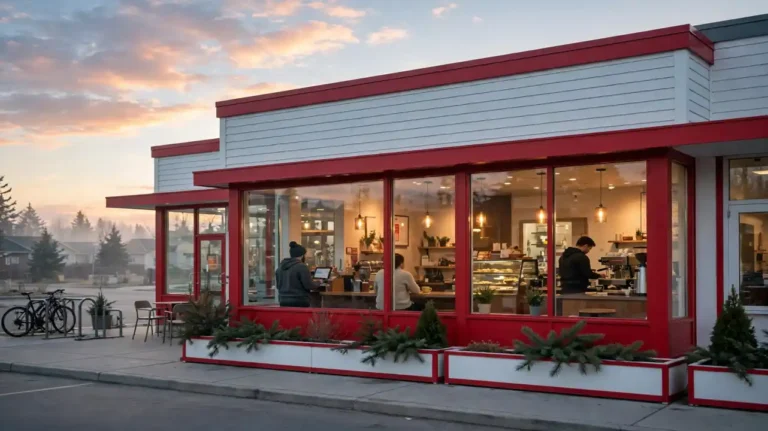
How to Order at Tim Hortons: Counter, Drive-Thru, App and Delivery in 7 Steps
Standing at a Tim Hortons counter for the first time can feel rushed. The line moves fast, the menu board is packed, and the person behind you already knows their order by heart. Learning how to order at Tim Hortons takes away that pressure, and this guide walks you through every way to do it.
You can order at the counter, speak into a drive-thru speaker, order ahead in the Tims app, or get delivery to your door. Each way suits a different kind of day, and each one has a small trick that keeps your order right the first time. This guide covers how to order coffee at Tim Hortons, food for one, and a full group order.
By the end of this guide you will know the coffee sizes, the short phrases regulars use, and where to pick up a mobile order. No prior visit is needed, and no app account is required unless you want the mobile route.
What You Need
- Your order decided: size, drink or food, cream and sugar style
- A payment method: card, cash or phone wallet
- The Tims app, signed in (mobile order and delivery only)
- Your pickup restaurant picked in the app (mobile order only)
- The number of people, for a group or catering order
At a Glance: 7 Steps to Order at Tim Hortons
- Pick your way to order before you leave home
- Order at the counter inside the restaurant
- Order at the drive-thru speaker from your car
- Order ahead in the Tims app for mobile pickup
- Order online for pickup or delivery
- Pay and check your order before you leave
- Order catering or a group order ahead of time
Pick how to order at Tim Hortons before you leave home
Four ways cover nearly every visit. Walk in and order at the counter when you want to browse the baked goods case or pay cash. Use the drive-thru when you are already in the car. Order ahead in the app when you want to skip the line, and choose delivery when you are staying put.
Pick one way before you leave, because a decided order keeps the line moving and keeps your own wait short. If you have no idea what to get, read our what-to-order guide first and walk in with a short list.
Order at the counter inside the restaurant
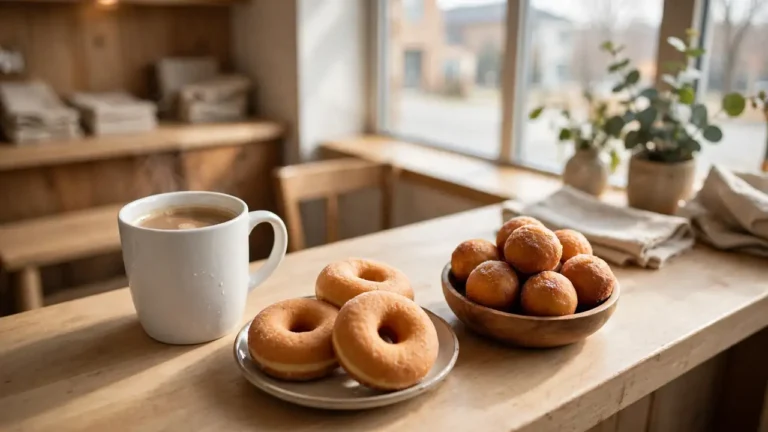
Walk to the counter and greet the team member with your full order in one go. Start with the size, then the drink or food, then the cream and sugar style. A large Original Blend Double Double says everything in five words. Point at the baked goods case if a donut catches your eye, because names blur when the case is full.
Listen for your total, pay, and step to the side while your drink is made. Hot drinks and baked goods land in your hands in a minute or two, while a made-to-order wrap takes a little longer.
Pro Tip: Say the size first, every time. A medium Original Blend Double Double is one clear phrase. Size, blend, then cream and sugar keeps every order short and hard to mishear.
Heads Up: Tell the team about food allergies before you order. Baked goods and drinks can contain milk, egg, gluten, soy or nuts, and recipes change. Staff can check the current allergen guide for the item you want.
Order at the drive-thru speaker
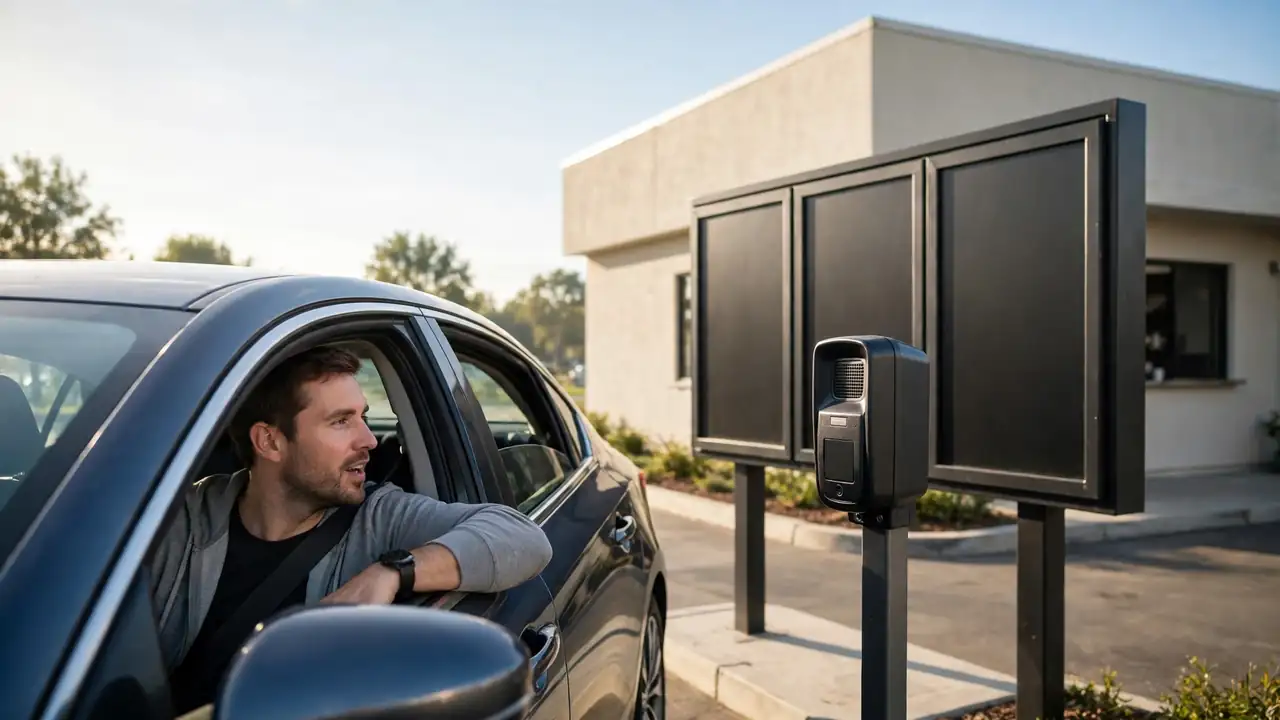
Pull up to the speaker, roll your window down, and speak clearly toward the box. Give your order the same way as at the counter: size first, then the item, then the cream and sugar. Keep it short, because the speaker cuts off long pauses and the line behind you is listening.
Drive to the payment window, pay, then pull forward to collect your order. Check the cups and the bag before you drive away, because a wrong item is fixed in seconds at the window and costs a trip back later.
Order ahead in the Tims app for mobile pickup
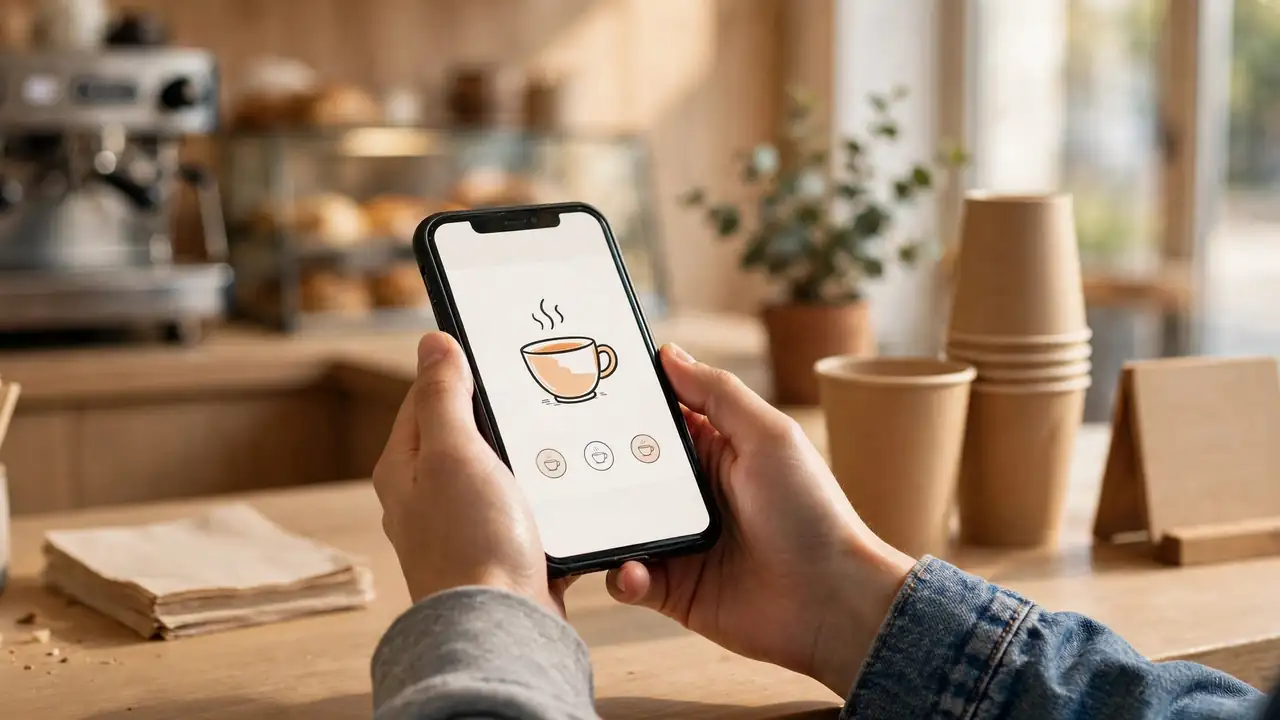
A mobile order at Tim Hortons follows the same path every time. Open the Tims app, tap the Order tile, and pick the restaurant you want. Tap the red Order button, choose a menu category, and add items to your order. Customise each item as you add it, then tap Review order and check out. Your points land on your account with the order. Tim Hortons’ own help page lists these same steps.
Head to the restaurant and look for the Mobile Pickup sign inside. Your order waits there under your name. For the full setup walkthrough, including sign-in and rewards, read our Tim Hortons App Guide.
Order online for pickup or delivery
The app also handles delivery, and the same order flow works on the Tim Hortons website. Choose pickup if you are passing by, or delivery if you want the food brought to your door. Delivery runs at participating restaurants, so the app shows you what your area offers before you build the order.
Check the delivery fee and the estimated time before you confirm. Give the driver a clear address and a phone number that works, because a missed call at the door can send your order back.
Pay and check your order before you leave
Pay at the counter, at the drive-thru window, or in the app before pickup, depending on the route you picked. Cash, cards and phone wallets all work at most restaurants, and the full breakdown lives in our payment guide.
Open the bag and check every cup and box before you leave the counter or the window. Count the Timbits, confirm the sandwich or wrap, and check the lids. A quick check now beats a cold coffee later.
Order catering or a big group order ahead of time
Feeding a group calls for a different order. Catering runs at participating restaurants, with bundles and platters built for six people or more, plus coffee boxes like Take 12, which serves about 12 small cups. Place the order through the app or website, or call your restaurant directly.
Give the restaurant at least a day of notice for a large order, and confirm the pickup time and the number of people when you order. For a morning meeting, place the order the day before so the kitchen has room to prepare it.
Troubleshooting: When an Order Goes Wrong
| Problem | Likely cause | Fix |
|---|---|---|
| The app will not place my order | The restaurant is closed for mobile orders, or the item is out of stock | Try another nearby restaurant, or order at the counter |
| My drive-thru order came back wrong | The speaker misheard a size or a style | Repeat the order at the window and ask the team to check it |
| My mobile order is not ready when I arrive | The kitchen is backed up at a busy time | Show your order confirmation at the counter and ask for the wait time |
| I cannot find a size I want | Extra small is a Canada-only size and not every restaurant carries it | Order the next size up, or check the size table in the Quick Reference Card |
| The delivery app shows no Tims near me | Delivery runs only at participating restaurants | Switch to pickup, or try again from a different address |
Frequently Asked Questions
Can I order at Tim Hortons without the app?
Yes. Walk in, use the drive-thru, or call your restaurant. The app only adds mobile pickup and delivery, so the counter and the speaker work fine on their own.
Do I need an account to order ahead in the app?
Yes, mobile ordering runs through a Tims Rewards account. Setup takes a few minutes, and our App Guide walks through sign-in and rewards without repeating the steps here.
What is the fastest way to order at Tim Hortons?
Order ahead in the app and collect it at the Mobile Pickup sign. At a quiet time the counter is equally quick, and the drive-thru wins when you are already in the car.
Can I pay cash at the drive-thru?
Yes, cash is accepted at most Canadian restaurants, at the payment window. Cards and phone wallets work there too, and our payment guide covers the full list.
Can I change my order after I place it in the app?
It depends on the restaurant and how far the order has gone. If the kitchen has started it, call the restaurant right away and ask what can still change.
What is new on the menu today?
The ELF holiday menu launched across Canada on 12 November 2026, with the ELF Cola Donut, ELF Chaos Donut, ELF Snowball Timbits, ELF Chaos Latte and Iced Capp, Maple Soda Swirl, Candy Cane Hot Chocolate and Maple Bacon on sandwiches, wraps and Grilled Cheese Melts. It runs at participating restaurants while supplies last.
Quick Reference Card: How to Order at Tim Hortons
Ways to order: Counter, drive-thru, app mobile pickup, online delivery
Coffee sizes: Extra small 8 oz / 237 mL, Small 10 oz / 296 mL, Medium 14 oz / 414 mL, Large 20 oz / 591 mL, Extra large 24 oz / 710 mL
Coffee lingo: Black (no cream, no sugar), Regular (1 cream, 1 sugar), Double Double (2 and 2), Triple Triple (3 and 3)
Order phrase: Size, then blend, then cream and sugar
Mobile order: Order tile, pick restaurant, red Order button, Review order, look for the Mobile Pickup sign
Group orders: Take 12 serves about 12 small cups; catering at participating restaurants with a day of notice
Now you know how to order at Tim Hortons in every way that matters. Pick your route, say the size first, and check the bag before you leave. The line moves fast once you know the words.
Save this pin for your next Tims run, so the sizes and the coffee phrases are ready when you need them.
This guide comes from an independent fan blog and is not affiliated with Tim Hortons. Menus, prices and availability vary by restaurant, so check the app or your restaurant before you order.