How to Pay at Tim Hortons: Cash, US Dollars, $50 and $100 Bills, Tax and Tipping
Does Tim Hortons accept cash? Yes, and that is only the start of the answer. Most Canadian restaurants take cash, cards, phone wallets and the Tim Hortons app. The details change from one restaurant to the next, so this guide walks through each way to pay before you reach the till.
US dollars and big bills are the two that catch people out. Some restaurants take American money as a favour, and many turn away $100 bills, so a little planning saves an awkward moment at the counter. The tax on your receipt shifts by province, and tipping works differently here than at a sit-down restaurant.
Give this guide six minutes. You will know which payment methods work at the counter, in the drive-thru and in the app, when to leave the US dollars in your wallet, and what the numbers on your receipt actually mean at the till.
- This guide, six minutes, nothing to buy.
- A phone to check the Tims app and your restaurant’s payment options.
- A payment method in mind, or cash and a card as a backup.
- Pay with cash at the counter
- Tap or swipe a card at the till
- Pay with your phone at the counter
- Pay in the app with Scan and Pay
- Check before you hand over US dollars
- Ask first about $50 and $100 bills
- Read the tax, then decide on the tip
Shortlist: cash · cards · phone wallets · app pay · US dollars · large bills · tax and tipping
Pay With Cash at the Counter
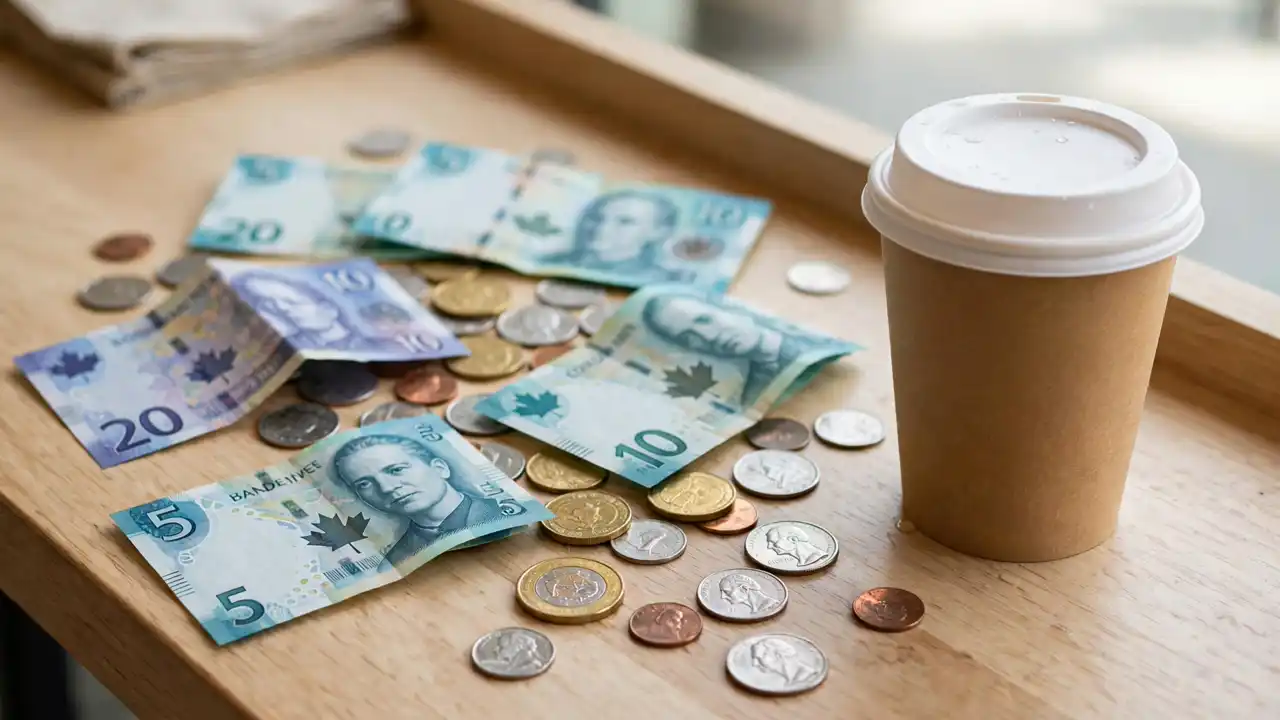
Hand over Canadian cash at the counter or the drive-thru window and you are covered. Cash is accepted at Tim Hortons restaurants across Canada, and it covers a coffee and a donut with no fuss. Keep small bills handy, because the till may be short on change in the morning.
Cash has one quirk. Canada dropped the penny in 2013, so cash totals are rounded to the nearest five cents, while card payments are charged to the cent. You cannot pay cash on a mobile order, so bring a card or use the app for pickup orders.
Tap or Swipe a Card at the Till
Tap or swipe an Interac debit card, Visa, Mastercard, American Express or Discover card at the till. Most Canadian restaurants take all of them, and tap makes a small coffee order fast. If your card is declined, check with your bank first, because a frozen card looks the same as a broken terminal.
Card acceptance can vary by restaurant, because most locations are owned by separate franchisees. A rural or small-town restaurant may take fewer card types than a city one. Our guide to what to order at Tim Hortons helps you pick your order before you reach the till.
Pay With Your Phone at the Counter
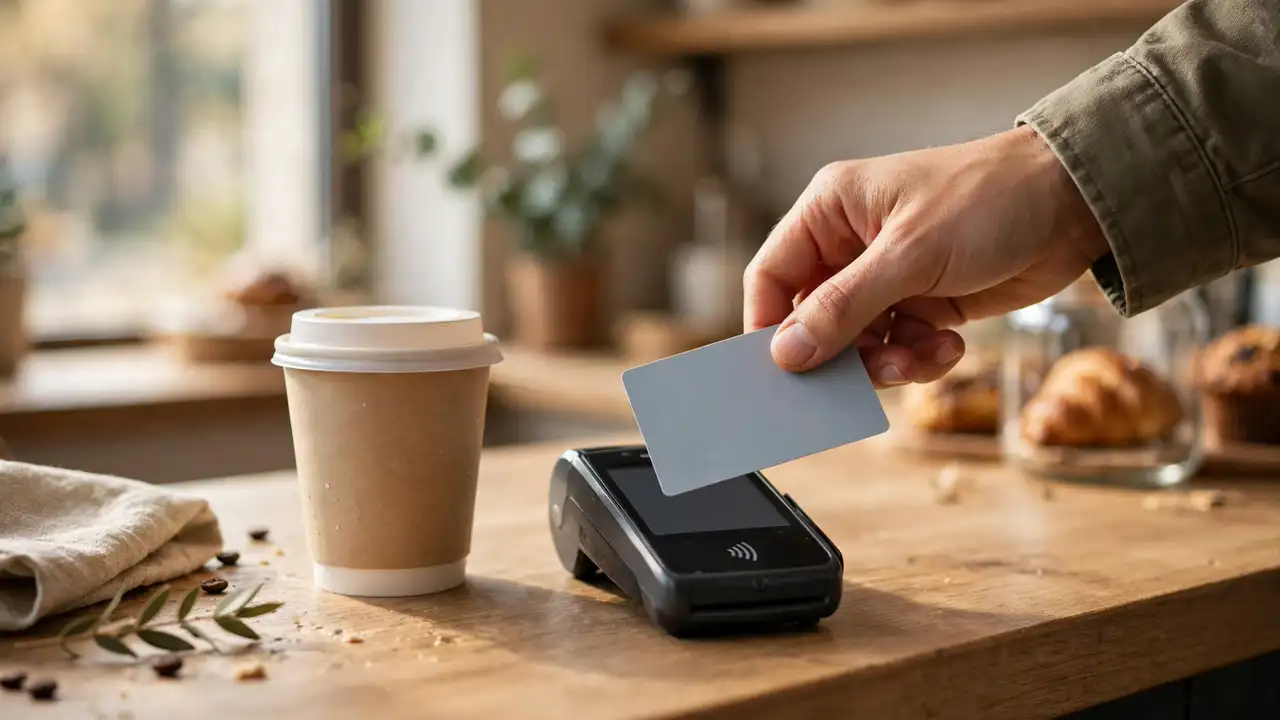
Hold your phone over the terminal to pay with Apple Pay at the counter or in the drive-thru. It works the same way as a tap card, and your phone never leaves your hand. Google Pay and Samsung Pay work at most locations too, wherever the terminal takes a phone wallet.
Phone wallets are not universal, so watch for the contactless symbol on the terminal before you count on it. A small or older restaurant may only take cards and cash. If the tap fails, fall back to the physical card in your wallet and the payment goes through.
Apple Pay works at the counter and for mobile orders, but it does not work for Scan & Pay in the app. For Scan & Pay, link a credit or debit card instead, and keep Apple Pay for the till.
Pay in the App With Scan and Pay
Open the Tim Hortons app, link a Visa, Mastercard, American Express or Discover card, or your Tim Card, and pay by scanning the code at the till. Scan & Pay also earns Tims Rewards points on the same visit, so one scan covers the payment and the points. Our Tim Hortons app guide covers setup.
The app has limits worth knowing before you rely on it. Apple Pay is not supported for Scan & Pay, and the app does not support Google Pay, Samsung Pay, Amazon Pay or PayPal at all. Read the Tim Hortons help page on Apple Pay and Google Pay in the app for the current list.
Check Before You Hand Over US Dollars
Ask before you hand over American money, because there is no published Tim Hortons rule for every restaurant. Some border restaurants take US dollars as a favour, and some take none at all. The safe move is to ask at the counter before you order.
If a restaurant does take US dollars, expect a poor exchange rate and change in Canadian dollars. The till rate is usually worse than the bank rate, so a card or Canadian cash buys you more coffee for the same money. Tim Cards work in both countries, and our how to use a Tim Hortons gift card explains how to load one.
Ask First About $50 and $100 Bills
Ask at the counter before you pay with a $50 or $100 bill, because acceptance varies by restaurant. Tim Hortons says a lot of restaurants do not accept $100 bills, and some locations turn away $50 bills too. One Saskatoon restaurant lists no $50 or $100 bills in its payment notes, updated October 2026.
The reason is practical, not personal. Big bills raise the risk of counterfeit notes, and a till may not hold enough change for a $100 bill on a $2 coffee. Break the bill at a bank first, or pay by card and skip the question entirely.
A $100 bill can be refused even when cash is welcome, so do not count on it for a small order. Ask at the counter first, or carry a $20 and a card as a backup.
Read the Tax, Then Decide on the Tip
Look at your receipt and you will see tax added on top of the menu price. Restaurant food is taxable in Canada, so the board price is before tax. The table below shows each province’s rate.
Tipping is a separate choice, and no tip is expected at a Tim Hortons counter. There is no tip built into the price, and some staff are told not to accept tips at all. If you do tip, a loonie or your small change is the usual gesture.
| Alberta | 5% GST |
| British Columbia | 5% GST |
| Saskatchewan | 5% GST + 6% PST |
| Manitoba | 5% GST |
| Ontario | 13% HST, or 5% on prepared food and drinks of $4.00 or less after the point-of-sale rebate |
| Quebec | 5% GST + 9.975% QST |
| New Brunswick | 15% HST |
| Nova Scotia | 14% HST (since 1 April 2025) |
| Newfoundland and Labrador | 15% HST |
| Prince Edward Island | 15% HST |
| Territories | 5% GST |
Menu prices are shown before tax. Rates can change, so check the CRA or your provincial authority for the current rate. Source: GST on restaurant meals in Canada
| Counting on Apple Pay for Scan & Pay | Apple Pay works at the counter and for mobile orders, but Scan & Pay does not take it. Link a card for Scan & Pay instead. |
| Handing over US dollars without asking | No chain-wide rule covers US dollars. Ask first, and expect change in Canadian dollars at a poor rate. |
| Expecting a $100 bill to work everywhere | Many restaurants turn $100 bills away, and some refuse $50 bills too. Carry a $20 and a card. |
| Reading the menu price as the final total | Prices are before tax, and the rate runs from 5% to 15% by province. Check the table above before you budget. |
Does Tim Hortons accept cash?
Yes, cash is accepted at Tim Hortons restaurants across Canada, at the counter and in the drive-thru. You cannot pay cash on a mobile order, and cash totals round to the nearest five cents.
Does Tim Hortons take US dollars?
It varies by restaurant. Some border and tourist-area restaurants take US dollars as a favour, and some take none. Ask first, expect change in Canadian dollars, and use a card or Canadian cash for the best rate.
Does Tim Hortons accept $100 bills?
Many restaurants do not. Tim Hortons says a lot of its restaurants do not accept $100 bills, and some also refuse $50 bills. Ask at the counter or pay by card.
Does Tim Hortons charge tax?
Yes. Menu prices are before tax, and prepared food is taxable. The rate runs from 5% GST in Alberta to 15% HST in New Brunswick, Newfoundland and Labrador, and Prince Edward Island, with Nova Scotia at 14% since 1 April 2025.
Do you tip at Tim Hortons?
No tip is expected at the counter, and none is built into the price. If you do tip, a loonie or your small change is the usual gesture. Tipping is more common in the Maritimes, and delivery drivers are tipped separately.
Can I pay with Apple Pay in the Tim Hortons app?
Yes for mobile orders, and Apple Pay is the app’s default payment method. Apple Pay is not supported for Scan & Pay, and the app does not support Google Pay, Samsung Pay, Amazon Pay or PayPal.
| Cash | Accepted at the counter and drive-thru; not for mobile orders; rounds to the nearest 5 cents |
| Cards | Interac debit, Visa, Mastercard, Amex, Discover; tap where shown; varies by restaurant |
| Phone wallets | Apple Pay at the counter and for mobile orders; Google and Samsung Pay at most locations |
| App | Scan & Pay with a linked card or Tim Card; Apple Pay not supported for Scan & Pay |
| US dollars | Varies by restaurant; ask first; change in Canadian dollars at a poor rate |
| $50 / $100 bills | Many restaurants refuse $100 bills; ask first or pay by card |
| Tax | Added at the till; 5% to 15% by province; Ontario 5% on food and drinks of $4.00 or less |
| Tipping | Not expected; a loonie or small change if you wish; delivery drivers tipped separately |
| Check first | Tims app for your restaurant’s payment options |
Does Tim Hortons accept cash? Yes, and now you know the rest of the answer too: cards and phone wallets at the till, Scan & Pay in the app, and a little caution with US dollars and big bills.
Pay the way that suits your morning. Cash for a quick coffee, a tap for a full breakfast, and the app when you want the points to stack up.
Save this pin for your next Tim Hortons run, and share it with a friend who still pays with a $100 bill and hopes for the best.
This is an independent fan blog and is not affiliated with, endorsed by, or connected to Tim Hortons.